
Introduction
In today's digital age, having a strong online presence is crucial for any business. One of the most effective ways to enhance your visibility is by optimizing your business for Google Maps. This can drive local traffic, increase customer engagement, and ultimately boost sales. In this guide, we'll explore actionable strategies to help you rank higher on Google Maps.
Table of Contents
- Claim and Verify Your Google My Business
- Optimize Your Google My Business Profile
- Encourage Customer Reviews
- Local SEO Strategies
- Conclusion
Claim and Verify Your Google My Business
To appear on Google Maps, your first step is to claim your Google My Business (GMB) listing. This is a free tool that allows you to manage your business's online presence across Google, including Search and Maps. Visit the Google My Business website to get started. Once claimed, ensure your business information is accurate and complete.
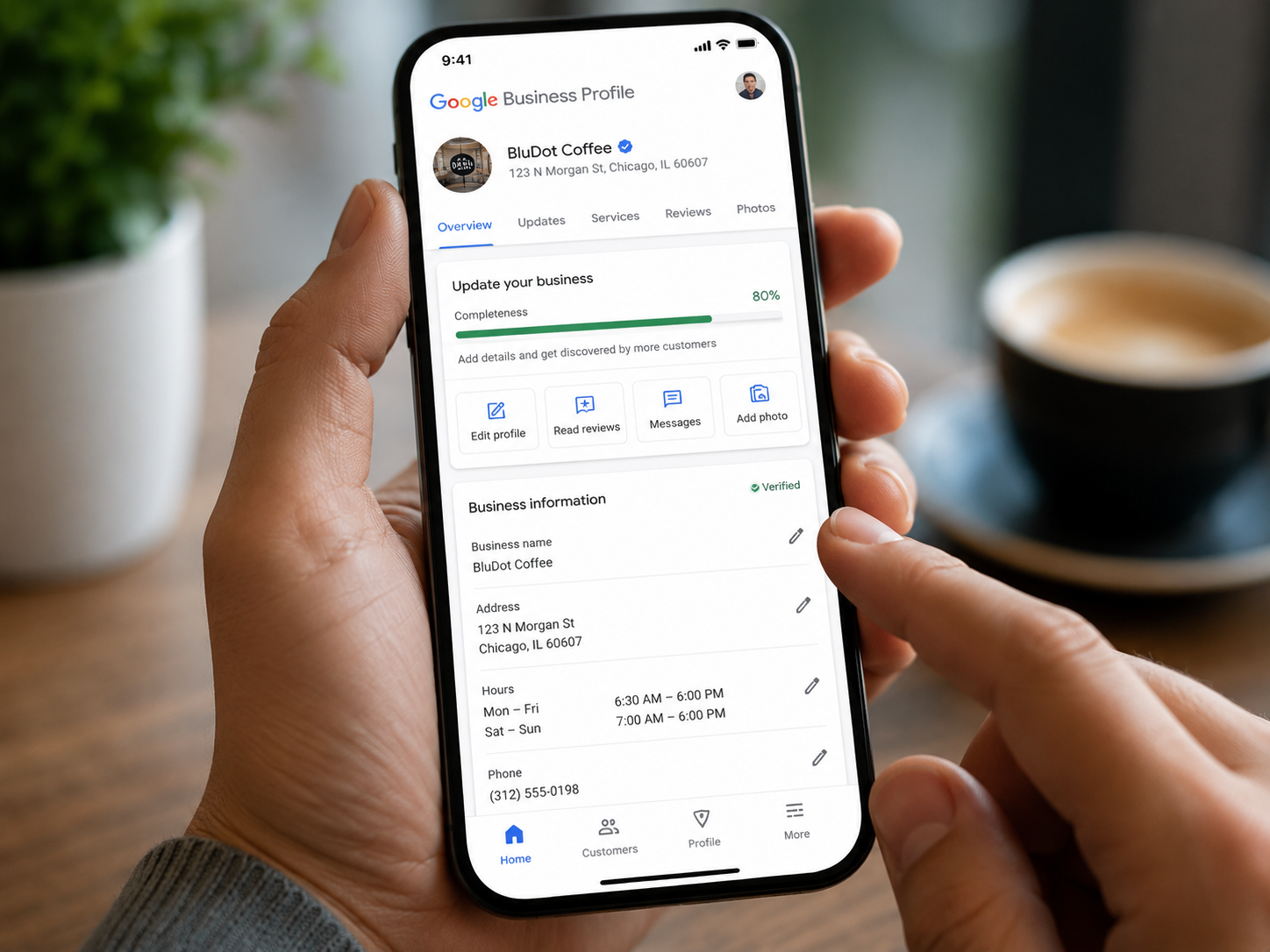
Optimize Your Google My Business Profile
Optimization is key to ranking higher on Google Maps. Ensure your business profile is complete with accurate details such as business hours, services, and contact information. Use relevant keywords in your business description and ensure your business category is correctly set. Adding high-quality photos can also improve your visibility and attract more customers.
For more tips on optimizing your profile, check our services page.
Encourage Customer Reviews
Customer reviews play a significant role in boosting your Google Maps ranking. Encourage satisfied customers to leave positive reviews on your GMB profile. Respond to reviews promptly and professionally to show customers you value their feedback. According to Forbes, businesses with high ratings and a good number of reviews are more likely to attract potential customers.

Local SEO Strategies
Implementing local SEO strategies can significantly impact your ranking on Google Maps. Focus on building local backlinks by partnering with local businesses and participating in community events. Ensure your business name, address, and phone number (NAP) are consistent across all platforms. Incorporate local keywords into your website content and GMB profile to enhance local search visibility.
Explore our contact page for more insights on local SEO strategies.

Conclusion
Ranking your business on Google Maps requires a combination of claiming your Google My Business listing, optimizing your profile, encouraging customer reviews, and implementing local SEO strategies. By following these steps, you can enhance your online visibility, attract more local customers, and ultimately grow your business. Stay consistent with your optimization efforts to maintain a strong presence on Google Maps.